For real estate
Bright, honest listing photos. The room buyers see online is the room they walk into.
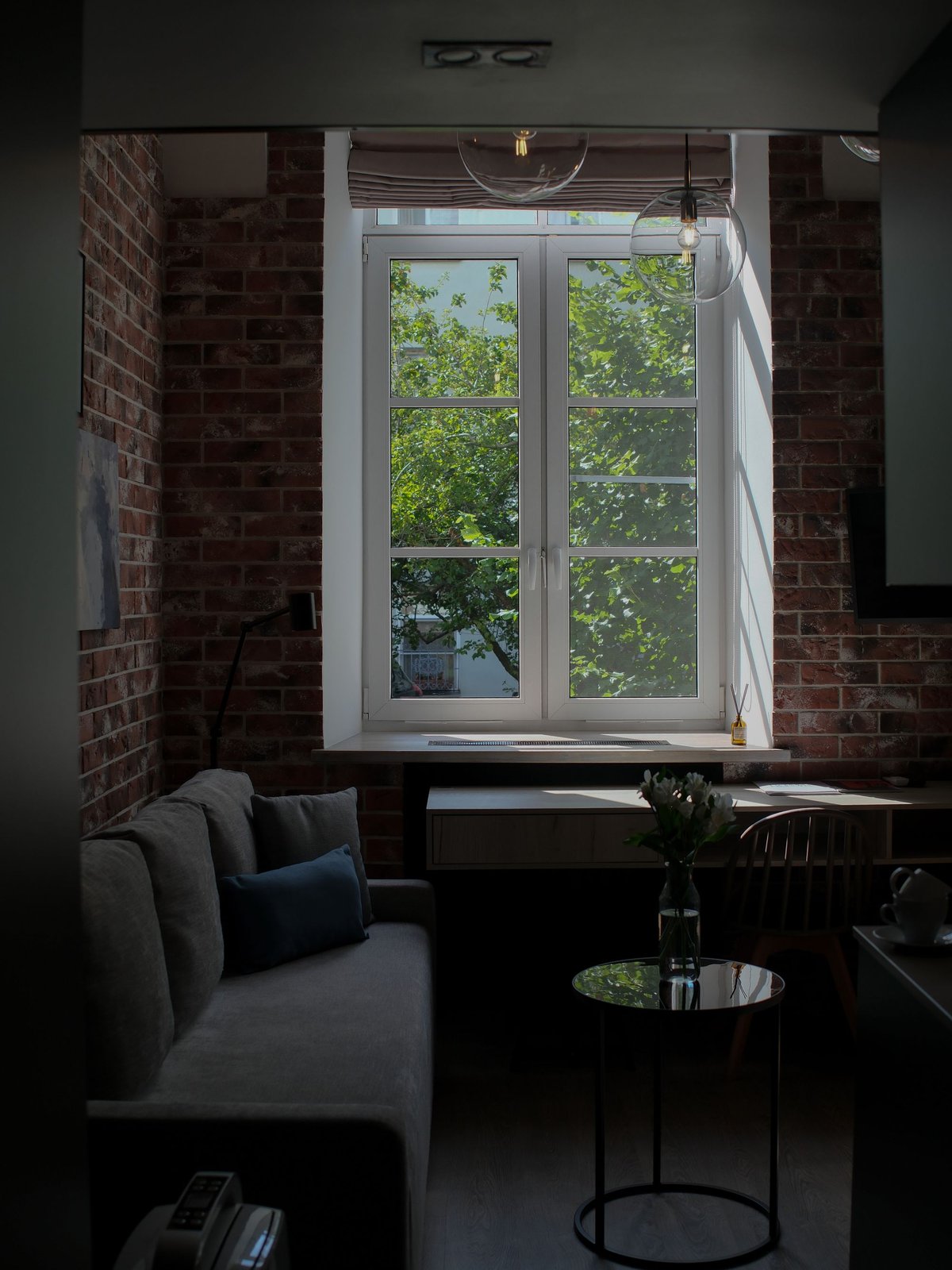
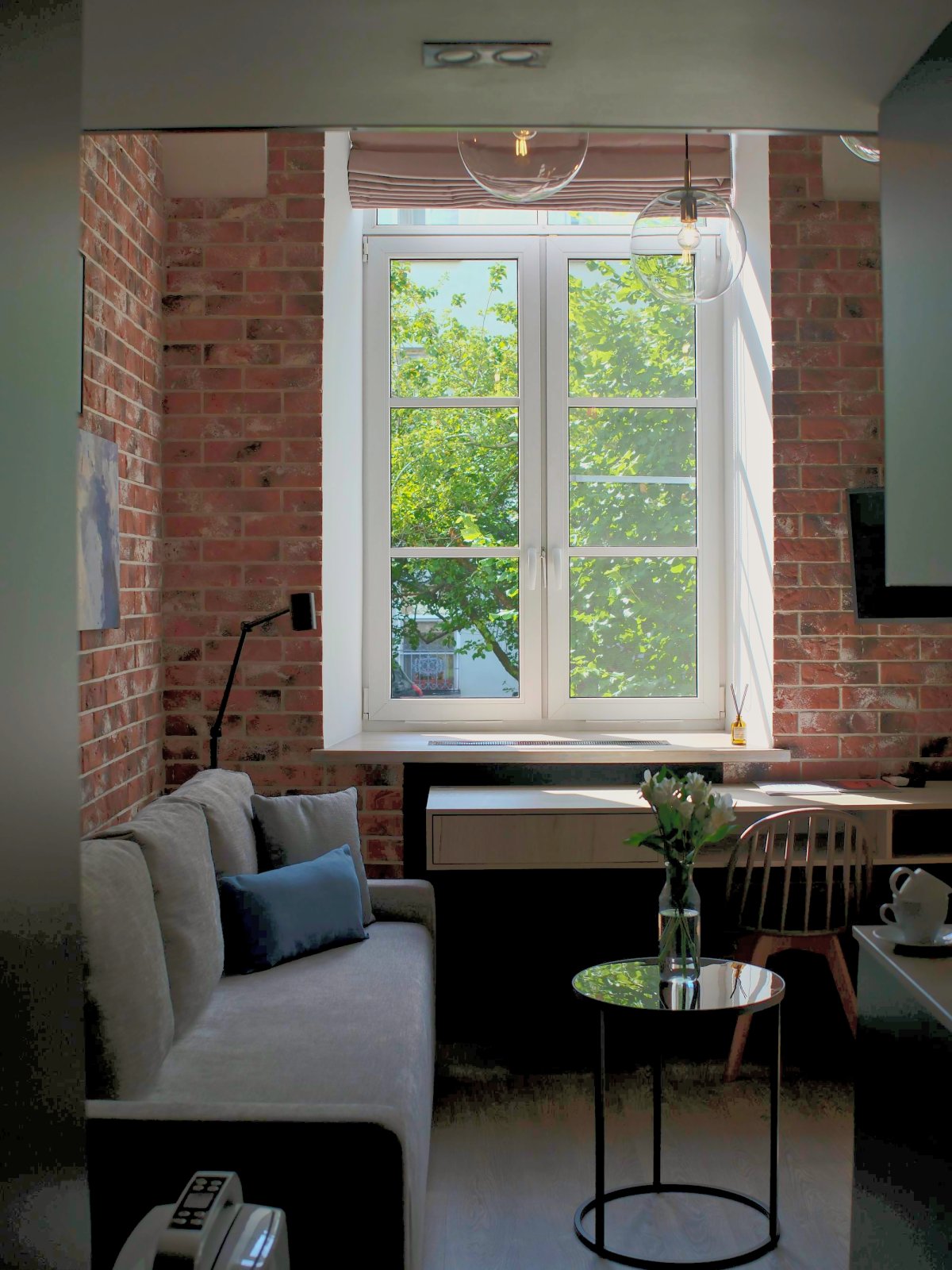
Drag the handle. A dark room becomes a bright room and stays the same room: exposure +0.45 · autotone · shadows +0.65 · highlights -0.35 · warmth +0.1 · clarity 0.25 · denoise 0.25 · vibrance 0.5. The brick warms up, the view through the window survives.
# The exact call behind the slider above. Same call, same bytes, every time.
curl -X POST https://retouchengine.com/v1/edit -H "X-API-Key: rte_..." \
  -F "image=@living_room.jpg" -F "max_edge=1600" -F "quality=85" \
  -F 'ops=[{"op":"exposure","ev":0.45},{"op":"autotone"},{"op":"shadows","amount":0.65},{"op":"highlights","amount":-0.35},{"op":"warmth","amount":0.1},{"op":"clarity","amount":0.25},{"op":"denoise","amount":0.25},{"op":"vibrance","amount":0.5}]' -o out.jpg
The listing must match the viewing
Buyers walk into the room they saw online. Generative “enhancement” invents light, removes cables, repaints walls, and erodes exactly the trust a listing depends on. RetouchEngine only adjusts what the camera captured: exposure, shadows, window recovery, clarity, verticals-friendly rotation, true-to-room color. The actual photo, just retouched. No furniture invented, no cables removed, no walls repainted.
Publish without inspection
Deterministic output is reliable enough to pipe straight into the feed. No photo editor in the loop, no moderation queue for quality.
Byte-identical re-renders
Same input, same result, byte for byte. Reprocess the whole portfolio and nothing shifts. Compliance has something solid to point at.
Fast enough for ingest
A 24 MP chain runs in about 4 seconds. Photos flow from the photographer to the listing while the agent is still at the property.
Never stored
Images are processed in memory and never saved. EXIF is stripped from every output. Sellers' addresses stay out of your pipeline.
Outdoor spaces sell too
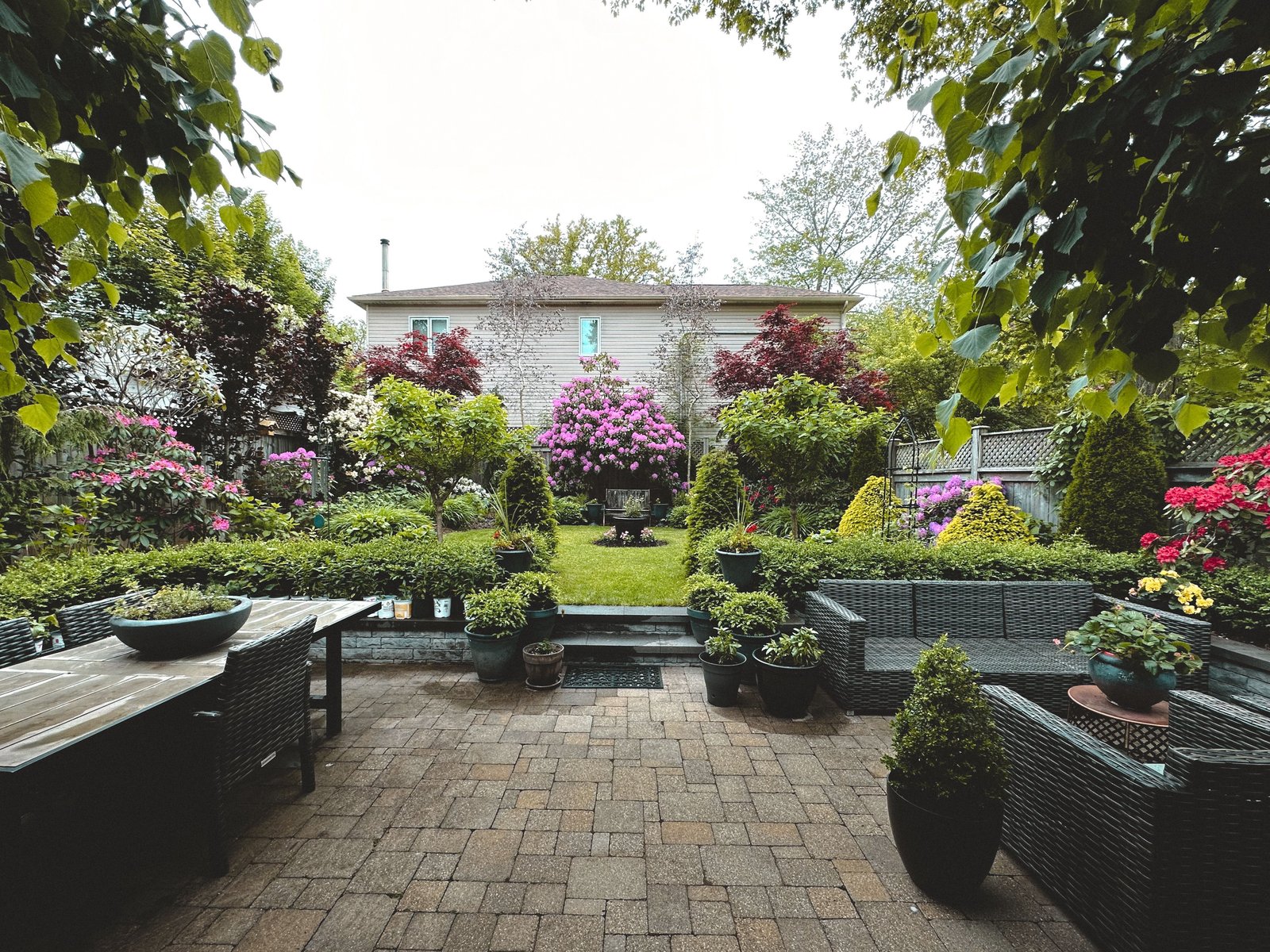
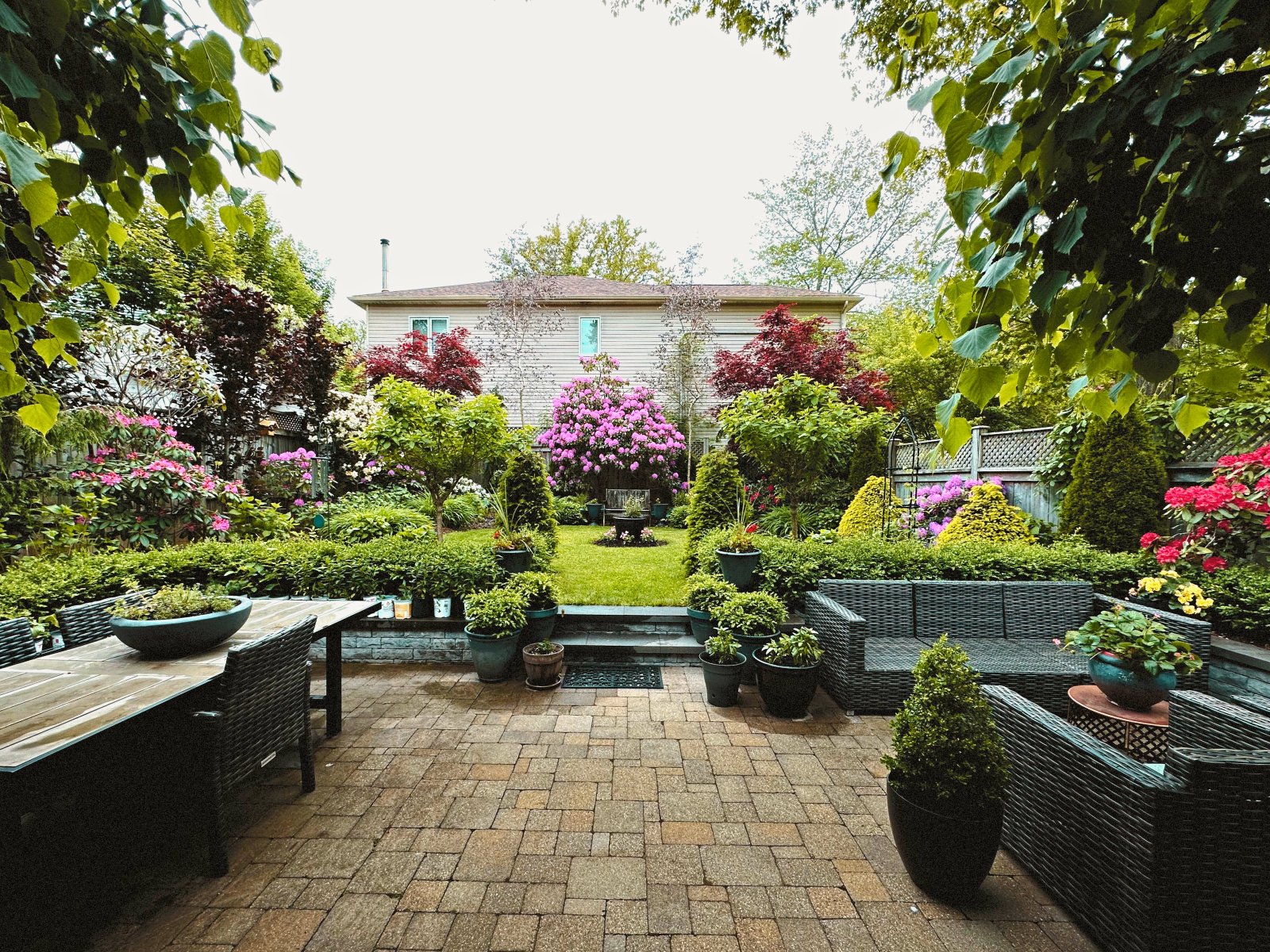
Garden and facade shots get the same honest lift: exposure +0.3 · autotone · shadows +0.4 · highlights -0.2 · clarity 0.35 · vibrance 0.35 · warmth 0.1.
One chain for the whole portfolio
Save your agency look as a preset once. Every upload runs through it at ingest, and every
listing gets the same confident, consistent tone. Straighten verticals with
rotate, crop to portal formats with aspect (3:2, 4:5, 16:9, 1:1), and
burn your agency logo or a light watermark into the corner in the same call.
-F "preset=agency_look" -F "logo=@agency.png" \
  -F 'ops=[{"op":"aspect","ratio":"3:2"},{"op":"logo","position":"bottom-right","mode":"white"}]'
Different rooms, different light, one API
A dim bedroom and a bright kitchen should not get the same treatment. Let the AI look at each
photo and choose conservative settings per room with /v1/analyze, while the pixels
are only ever touched by deterministic code. The response tells you exactly which operations ran,
so every edit is accountable.